
Course Details
AutoCAD Civil Certification Program
Become a Civil CAD Expert in 60 Days
- 1 Year Course Access
- Live Mentorship by Experts
- Internship Certificate
- 40+ Hours of Live Class
- 2 Capstone Projects
- Course Completion Certificate
2D drafting, plans, sections, and elevations for civil structures
3D modeling, rendering, and visualization techniques
Site layouts, topographic mapping, and contour drawings
Foundation, column, and beam detailing
Annotation, dimensioning, and plotting
Working with layers, blocks, and dynamic tools
Creating submission-ready civil engineering drawings
Basic understanding of civil engineering concepts
Laptop/PC with AutoCAD software (trial or licensed)
No prior CAD experience needed – beginner friendly
Internet connection for live sessions or LMS access
Civil engineering students and freshers
Diploma and polytechnic graduates
Architects and site engineers
Professionals in construction and infrastructure projects
Anyone looking to learn CAD for civil applications
Description
Master the industry-standard drafting tool for civil engineering projects with our 60-Day AutoCAD (Civil) Certification Program. Learn 2D drafting, 3D modeling, site layout design, and construction detailing through real-world projects. Designed for aspiring civil engineers, architects, and construction professionals, this hands-on course will make you job-ready with the CAD skills in high demand across the infrastructure and design sectors.
AutoCAD Course Syllabus
Explore the comprehensive modules below, each designed to guide you through the essential concepts and practical techniques in AutoCAD for Civil Engineering. From 2D drafting and construction detailing to site planning and structural layout design, you’ll gain hands-on experience creating professional civil drawings. Develop the CAD skills and confidence to design, draft, and document real-world civil projects with precision and industry standards.
AutoCAD interface, workspace, and settings
Navigating drawing tools and command line
Units, scales, and drawing templates
Line, circle, rectangle, arc, polyline
Trim, extend, offset, mirror, fillet, and array
Layers, line types, colors, and object properties
Civil drafting norms (IS codes)
Plot plans, site plans, and boundary layouts
Topographic maps and contour plotting
Floor plans with wall, door, window details
Sectional views and elevation drawings
Room labeling, hatching, and text annotation
Footing, column, and beam detailing
Slab reinforcement plans
Staircase and lintel drawings
Creating and inserting reusable blocks
Dynamic blocks for parametric design
External references and object grouping
Linear, angular, radial dimensioning
Title blocks and layout sheets
Print setup, plotting, and exporting to PDF/DWG
3D tools: extrude, revolve, sweep, loft
Visual styles and rendering basics
3D views and walkthrough preparation
Residential building plan with site layout
Column layout plan and beam schedule
Water supply and drainage layout drafting
Complete a set of architectural + structural drawings
Submit a portfolio-ready project
Viva + Certificate of Completion
Course Details:
Instructor
15+ Year experience
Lesson Duration
12 Weeks
Lessons
45
Places for Students
27+
Language:
English,
Certifications
Digital, Physical
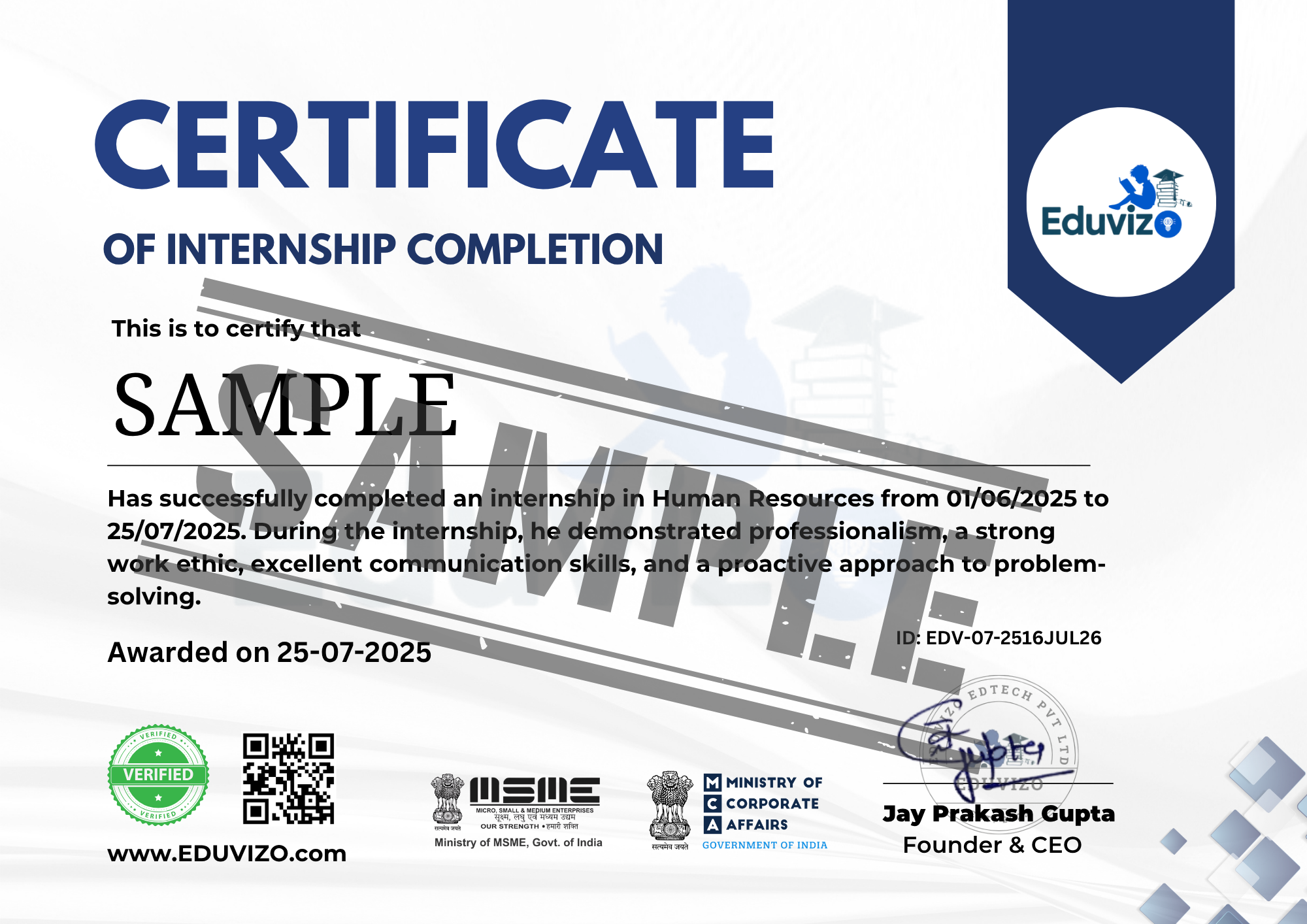
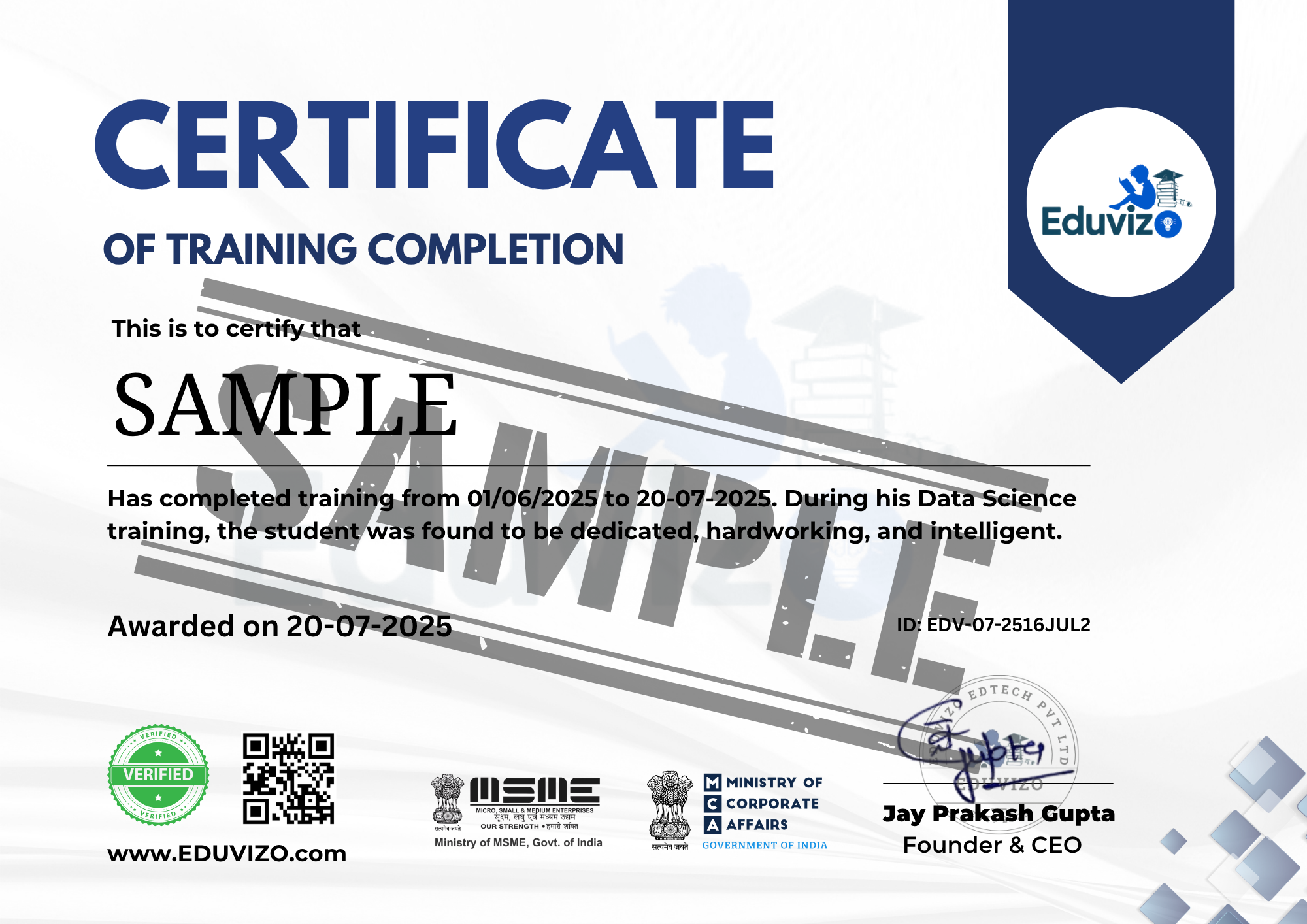
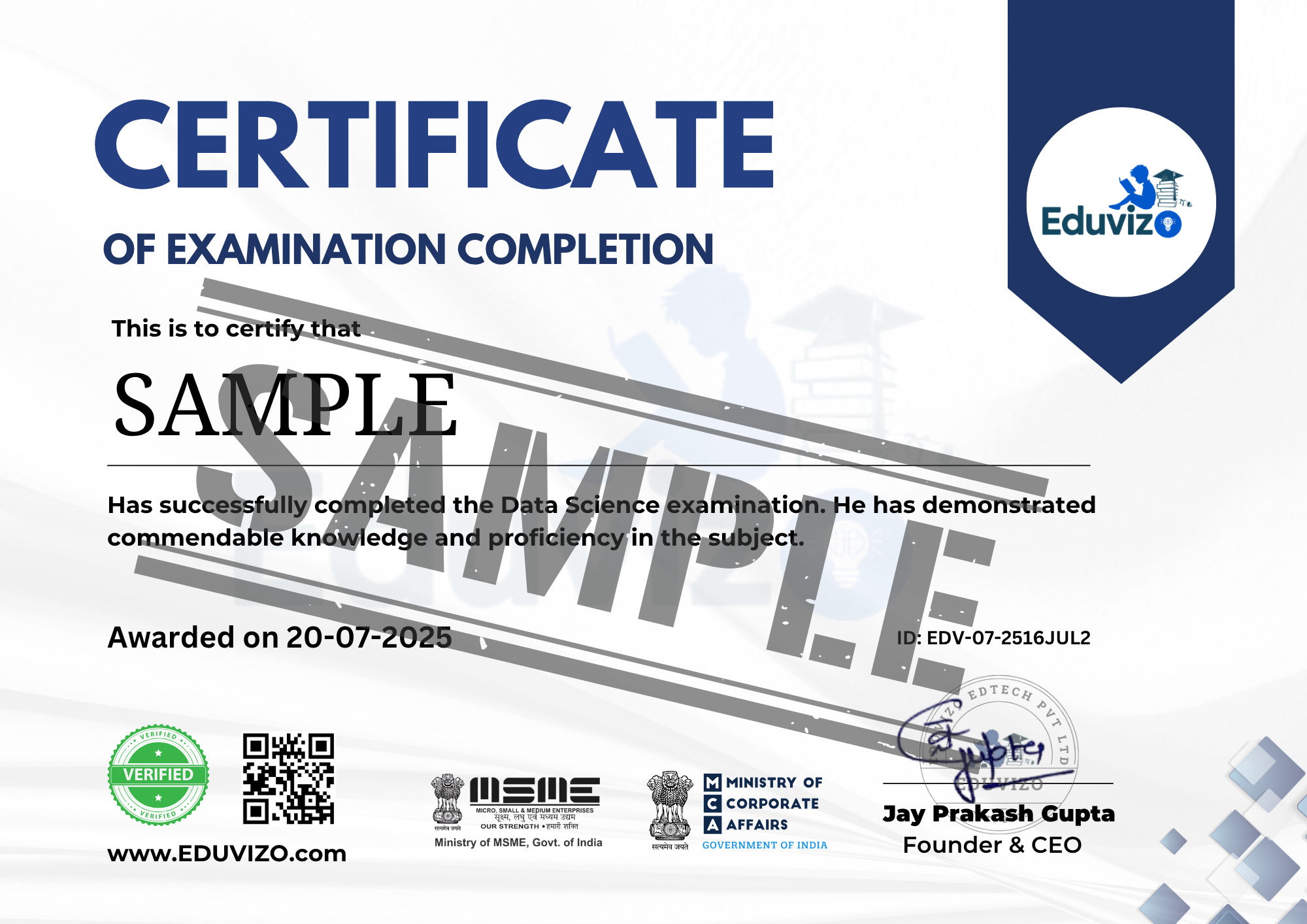
🎓 Get a certificate of completion to showcase your skills to employers or add to your LinkedIn profile.
- Course Completion Certificate: Acknowledge your hard work and commitment with a certificate from Eduvizo upon successfully finishing the program.
- Internship Certificate: After completing a hands-on internship, you will receive an official certificate from Eduvizo and top-tier universities.
- Industry Certificate: Earn a prestigious industry certificate from well-known and respected companies as a recognition of your practical expertise.


AutoCAD Civil Course Fee
AutoCAD Civil Course Fee
Quality learning, simplified and budget-friendly – just for you!

The Eduvizo course is clear and practical, with hands-on projects and a strong focus on real-world applications. I highly recommend it!
Ramesh Jaswal
Student
Self Placed Program
Mentor-led Program